Less work in the field
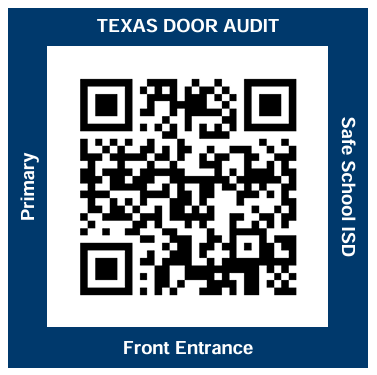
Scan the door and record the result from any phone. No roster to carry, search, or re-enter later.
Modern door safety for Texas schools
One simple system to inspect every door, get problems to the right people, and keep a complete compliance record.
SCHOOL DOOR CHECK
× Door 101? Door 104× Door 217? Door 218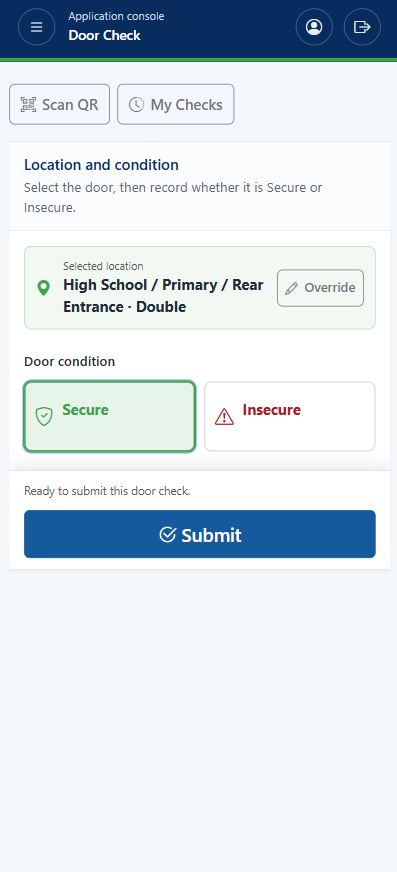
The real problem with paper
A checklist can capture a finding. It cannot make sure the next person knows, the issue gets resolved, or the full story is ready when someone asks for it.
Scan the door and record the result from any phone. No roster to carry, search, or re-enter later.
A door concern reaches the people responsible for fixing it right away.
See what was found, who responded, what was corrected, and when the door was verified secure.
Simple by design
The field check starts everything that follows. Each step creates the information needed for the next—without entering it twice.
Take a closer look ↓Open the correct door automatically on any mobile device.
Choose Secure or document an issue with a reason and optional photo.
Campus and facilities staff are notified immediately when a door needs attention.
Keep the original concern, corrective action, and secure recheck together.
A clear view for every role
Auditors see only what they need to complete the check. Administrators get the visibility and control to keep the entire process moving.
Issue management
When a door is marked Insecure, Texas Door Audit alerts the right people and keeps the concern visible until it is resolved.
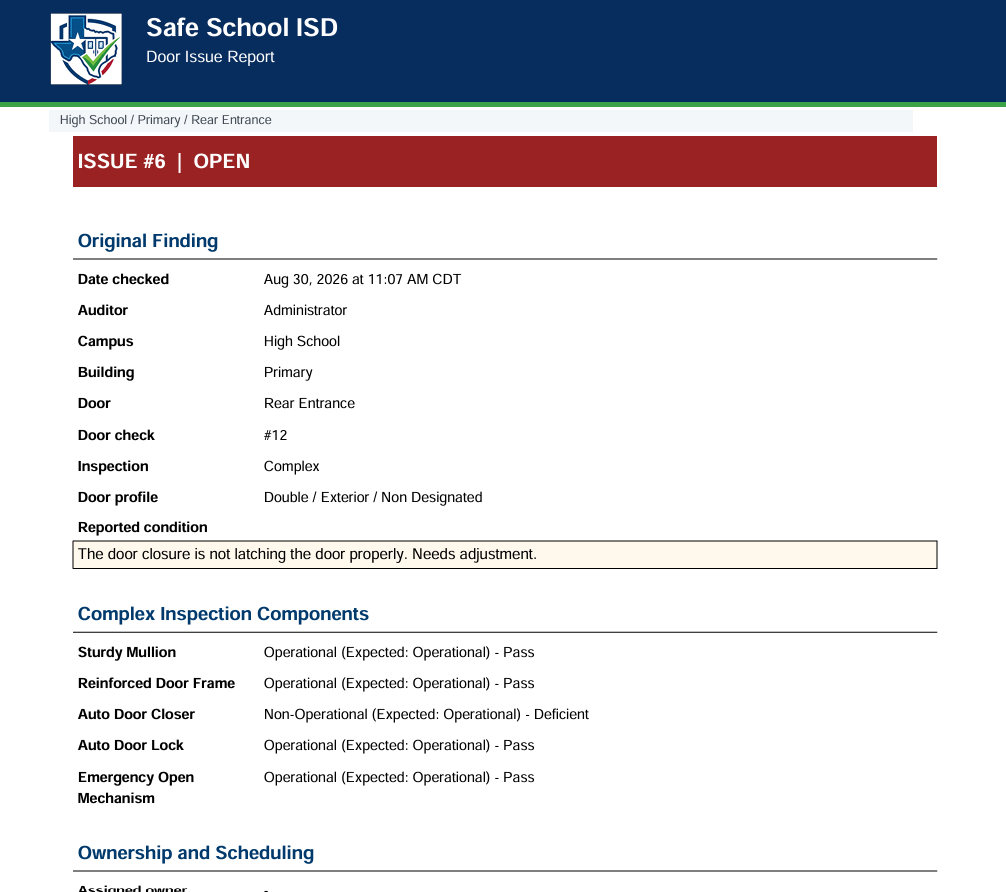
The door, concern, notes, and supporting photo are captured together immediately.
Alert campus and facilities staff and make it clear who is responsible for the next step.
Keep the response, work performed, resolution, and secure recheck in one place.
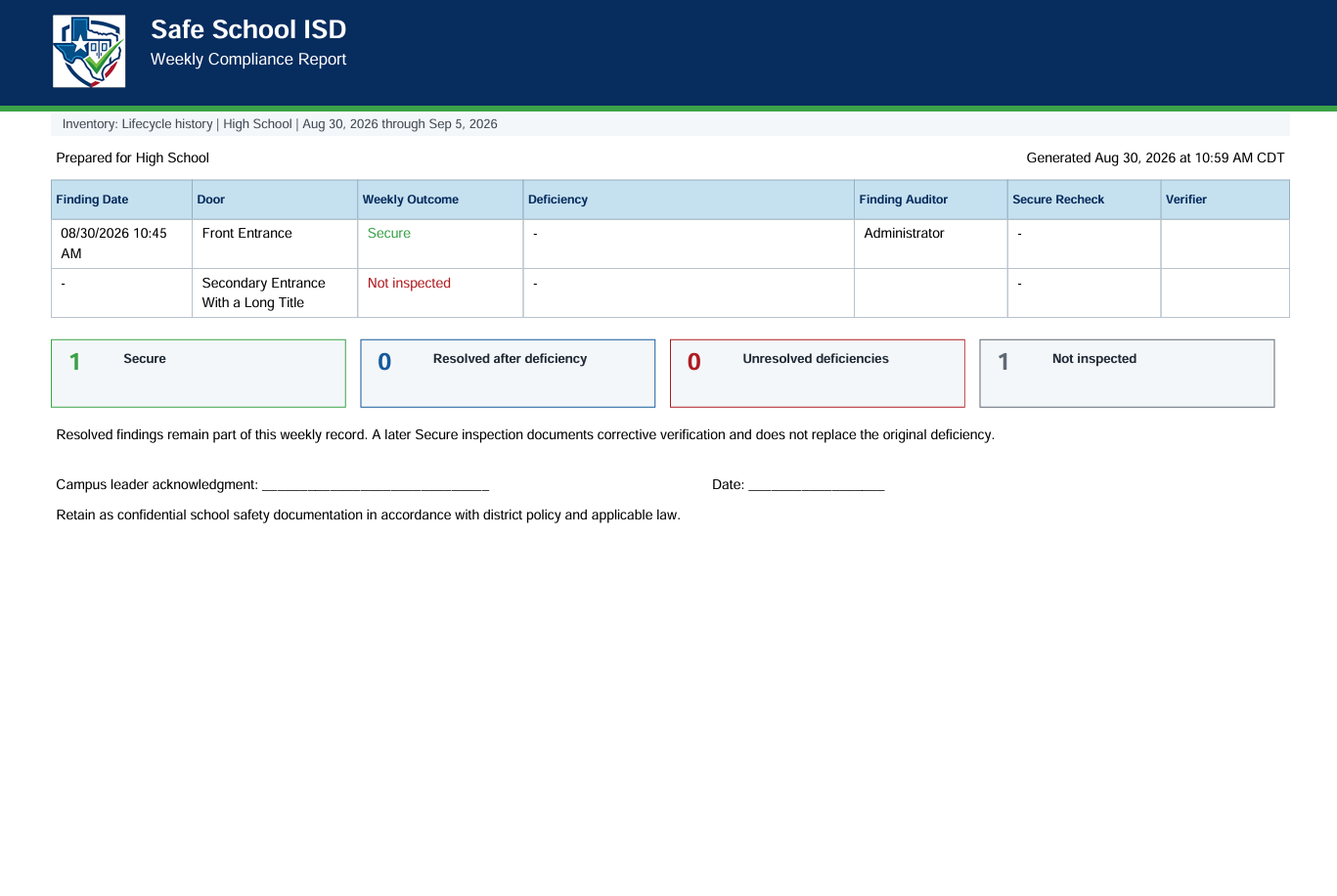
Confidence at closeout
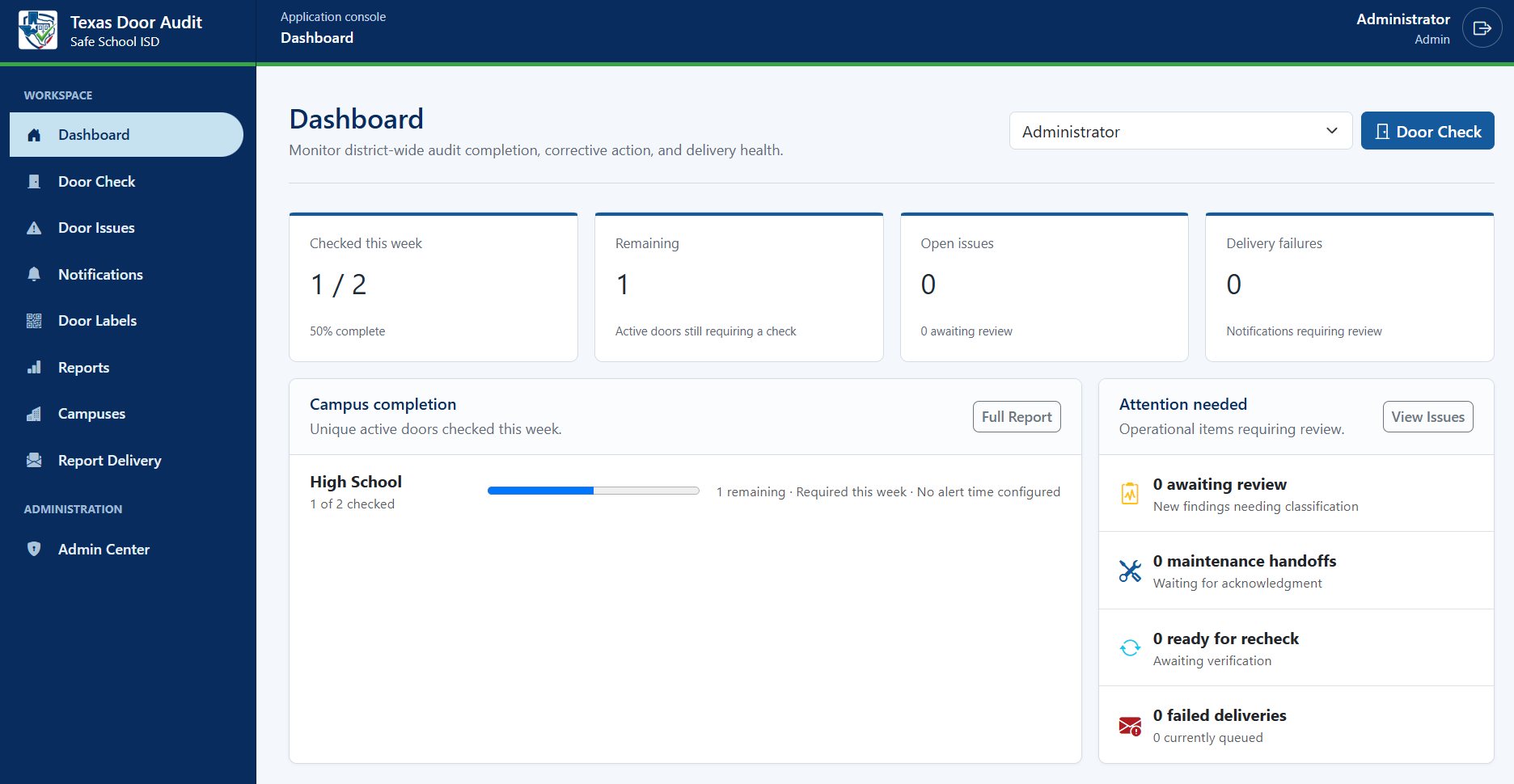
See every required door’s weekly status while preserving the original concern, response, and later secure verification.
Texas Door Audit is a recordkeeping and workflow tool. Districts remain responsible for interpreting and meeting applicable legal requirements.
The bottom line
Questions from school teams
Practical answers for school safety staff, campus administrators, facilities teams, and district technology leaders.
It helps staff record door inspections and gives administrators a shared record of findings, follow-up, and reporting. Texas Door Audit connects QR labels, mobile checks, issue management, and exports in one application.
Yes. Staff sign in through a supported mobile browser. They can scan a QR label or select the location manually, inspect the door, and submit a check. Camera scanning requires camera permission and a secure connection.
No. The QR code identifies the door. The person performing the inspection must physically check it before recording Secure or Insecure.
The application supports inspection schedules, completion tracking, and weekly reporting. Your district determines the inspection scope and process. The reports organize your records; they do not replace an official audit or determine legal compliance.
Record the concern, route notifications to configured recipients, and track corrective work. A subsequent secure recheck can document verification while preserving the history of the original finding.
Report and export tools let authorized users download records. During your demo, review the available formats, role permissions, backup arrangements, and support process with us.
A clear price. A simpler decision.
One published standard rate for every customer. No negotiating and no sales call needed to find out your price.
$10per campus
per month
Billed annually at $120 per campus.
One-year commitment.
Bring door inspections, issue follow-up, and reporting into one shared workflow—with a price you can plan around.
Request a demoSmall schools deserve accessible tools, too.
50% off per campus
Districts operating at a single physical location with fewer than 500 students enrolled districtwide can apply.
Just $5 per campus, per month.
Billed annually at $60 per campus with a one-year commitment.
What counts as a campus? For billing, a campus is identified by its state-assigned county district number, rather than by the number of buildings.

Your clipboards have done enough
Take a straightforward tour of the inspection, incident, and reporting workflow.
Sign up for a demo No obligation. Just a product walkthrough built around your needs.